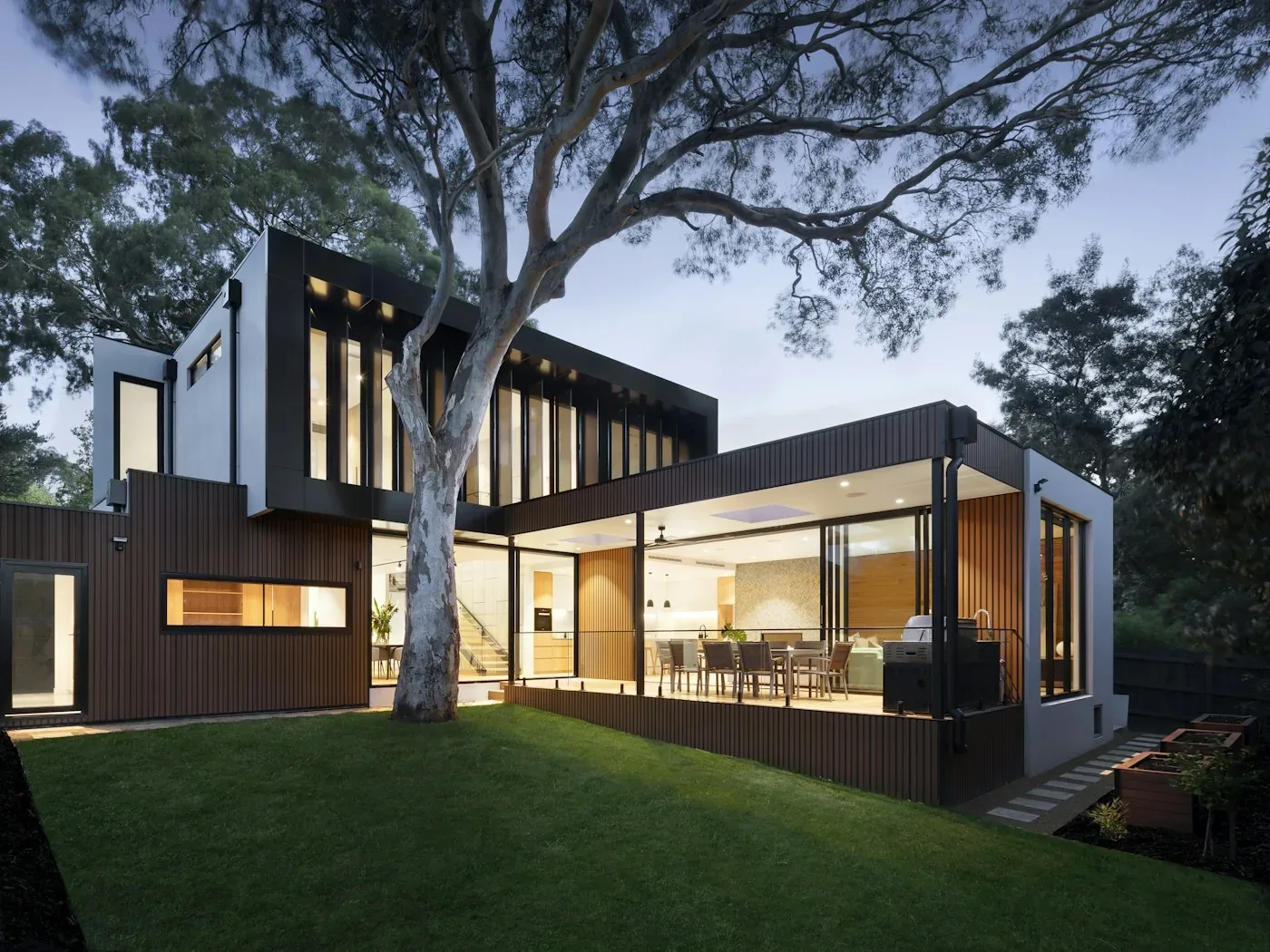
On a listing page, photos are the first thing buyers look at, even before the price and description. Dark, blurry or incomplete photos make it easy to scroll past, even when the home is well worth a visit. This article walks through seven common photo mistakes and how to fix each one, whether you post the listing yourself or work with a Citics Agent.
Seven common mistakes and how to fix them
- Poor lighting or shooting into the light. Dark photos make a room look cramped and dated. Shoot during the day, open all the curtains and turn on extra lights. Avoid facing a window in bright sun, or the room will look gloomy while the window turns pure white.
- Clutter and personal items. Clothes, dishes and papers on the table pull attention away from the space. Tidy each room before shooting, and put away family photos and private belongings. Buyers need to picture themselves living there.
- Distorted angles and tilted lines. Leaning walls and crooked door frames make photos look careless. Hold your phone upright without tilting it up or down, and turn on the camera grid. Stand in a corner to capture more of the room, but go easy on ultra-wide lenses, which stretch and warp the space.
- Missing key areas. Buyers want to know what the way in looks like, how the front of the house looks and what is inside. A set of photos showing only the living room makes them wonder about the rest. The photos to include for each property type are listed in the next section.
- Blurry or low-resolution photos. Shots blurred by shaky hands, screenshots and images compressed after being forwarded many times all lose detail. Wipe the lens, hold steady, tap to focus before shooting, and upload the original files rather than copies sent through a chat app.
- Old photos that no longer match the property. Photos taken years ago, before a renovation or when the surroundings looked different, leave buyers disappointed when they visit. Trust lost at a viewing is hard to win back. Take fresh photos right before you list.
- Text, phone numbers or logos on photos. Text and logos hide details and clutter the image. On Citics, buyers get in touch through the Agent and the Citics specialist in charge, so a phone number on a photo is unnecessary. Citics also adds its own watermark to your photos once the listing officially goes live.
Photos to include for each property type
Citics groups properties into landed property (a house with its own land) and apartments, and each needs a different set of photos. Having the full set ready from the start means fewer requests for more material at the review step.
- Landed property: photos of the way in, the front, the whole property and the interior. The way-in shot shows whether the alley is wide or narrow and whether a car can get through; the front and overall shots show the shape of the house; interior photos should cover each main room.
- Apartments: photos of the project, the floor plan and the apartment itself. Project photos introduce the building and shared amenities; the floor plan helps buyers understand the layout; apartment photos show the furnishings, the light and the actual view.
Choosing a cover photo: the one shot that earns the first click
When you create the property profile, you choose one photo as the cover. It is usually the first image buyers see, so it largely decides whether they open your listing. A few tips:
- Pick a bright, sharp, landscape photo that shows the property as a whole.
- For landed property, the front or an overall shot is usually a safe choice.
- For an apartment, choose a bright living room or the angle with the best view.
- Do not use the floor plan or a close-up of a small detail as the cover.
- The cover must show the property as it is today, like every other photo in the listing.
Citics adds the watermark, so you don't have to
Listing a property on Citics takes five steps: creating the property profile, a field survey, review by Citics, signing the brokerage agreement electronically, and the official listing. At the final step, Citics adds its watermark to the listing photos. All you need to upload are clean photos with no text and no logos.

Quick check before uploading: are the photos bright and straight, is the home tidy, are all key areas covered, are the photos recent, and have you removed all text and phone numbers? If you need help, call the Citics hotline at 1900 633 075.